Wavenote as an Apple Dictation alternative
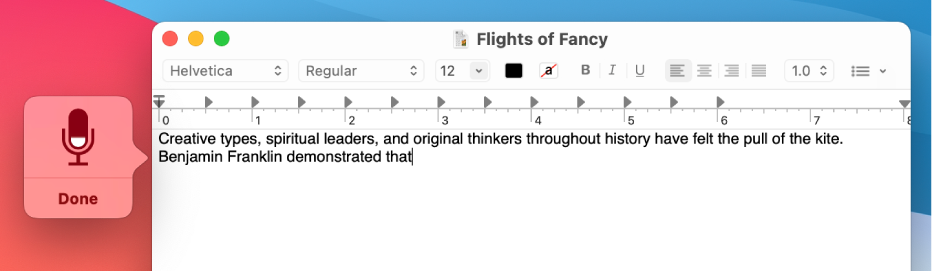
The dictation already on your Mac. Press the shortcut, speak, and on Apple Silicon the recognition runs on device. It is the default every third-party app gets measured against, and it holds position one in Google for most Mac dictation searches.
What Apple Dictation does better
Apple Dictation is free, already installed, supported by Apple, and works on every Mac including Intel ones. It is wired into Voice Control for full hands-free operation, which is an accessibility story Wavenote does not have. On Apple Silicon it also runs on device, so privacy is not the reason to leave it. For plenty of people the honest answer is that the built-in one is enough.
Where Wavenote is different
- Wavenote is push-to-talk. Hold a key for as long as you are speaking, release, and the text lands. No session ends itself after a pause.
- File transcription with SRT and VTT export, which macOS does not offer.
- Optional AI rewriting of what you just said, applied before the text is inserted.
Side by side
| Wavenote | Apple Dictation | |
|---|---|---|
| Custom vocabulary | Yes | No |
| Stops after a silence | No | Yes, after about 30 seconds |
| Transcribe an audio file | Yes, unlimited | No |
| Intel Macs | No | Yes |
Apple Dictation pricing: Built into macOS. There is nothing to buy. Checked against support.apple.com on 7 August 2026.
Want more detail? The full Apple Dictation review works through it feature by feature.