Aqua Voice Review 2026: Avalon, Pricing and Verdict
Aqua Voice is a dictation app for Mac, Windows and iPhone that runs its own speech model, Avalon, on its own servers. It is aimed at people who dictate words a general model gets wrong: function names, acronyms, product names, medical and legal terms.
We build Wavenote, a Mac dictation app that keeps recognition on your machine, so treat this as a review by a competitor and check the claims against Aqua’s own site.
Short answer: Aqua is the stronger pick if you dictate technical vocabulary, if you work across Mac, Windows and iPhone, or if you are on an Intel Mac. It is a subscription and your audio goes to Aqua’s servers, which is the trade it makes for the model. Wavenote runs on device, costs $4.90 once, and only covers Apple Silicon Macs.
What Aqua Voice is
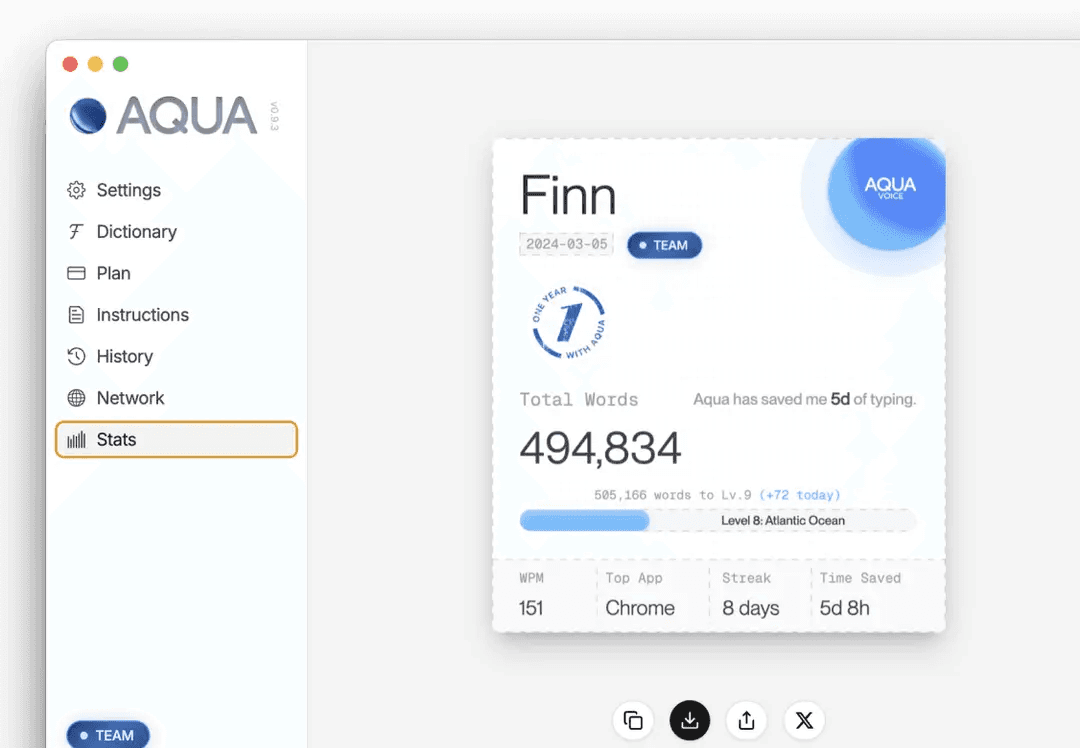
Hold a shortcut, speak, and the text lands in whatever app has focus. Aqua’s site lists Gmail, Google Docs, Slack, ChatGPT, Claude, VS Code and Cursor among “50+” applications it works in.
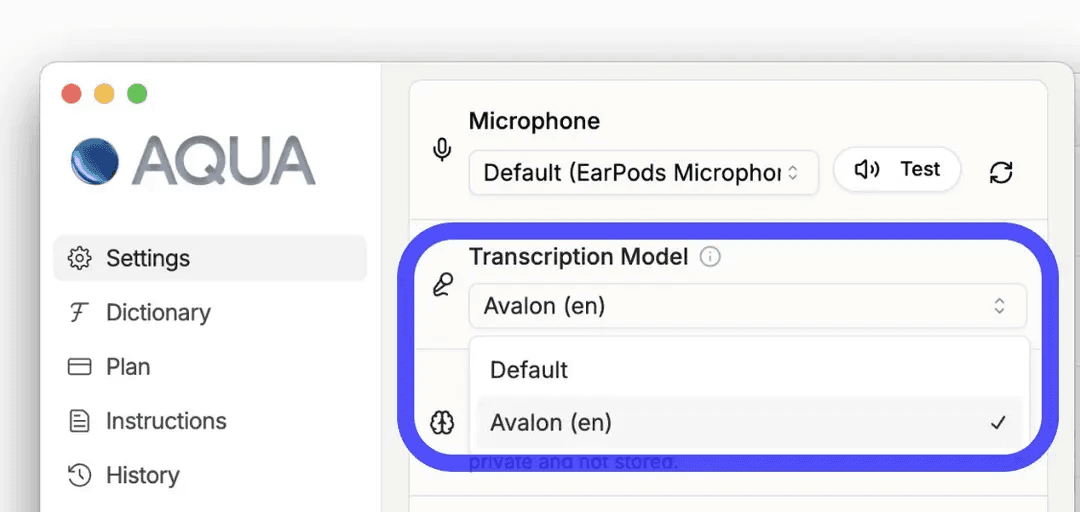
The recognition itself happens in Aqua’s cloud. Avalon is the company’s own model rather than a Whisper checkpoint, and the site claims “97.3% accuracy on AISpeak” and 230 words a minute against 40 for typing, which it rounds to “5x faster than typing”. Those are Aqua’s numbers, published by Aqua. We have not measured them.
Language coverage is 49. Wavenote covers 22: English and 17 other European languages on Parakeet, Japanese on a second Parakeet model built for it, and Chinese and Korean on Apple’s SpeechAnalyzer.
Avalon, and the vocabulary problem
Every dictation app is fine at ordinary prose. They separate on the words that are not ordinary.
Say a colleague’s surname, an internal project codename or useSyncExternalStore out loud into a
general speech model and you get a plausible English word back. Aqua’s answer has 2 parts: a model
trained toward that vocabulary, and a dictionary you fill in yourself.

The dictionary is metered by plan: the free Starter tier allows 5 custom values, Pro allows 800. Wavenote has custom vocabulary too, with no published cap, but no model trained toward technical speech behind it. On code identifiers and jargon, Aqua has the better story and it is not close.
Aqua also carries writing styles, where you set rules about tone and the model applies them.
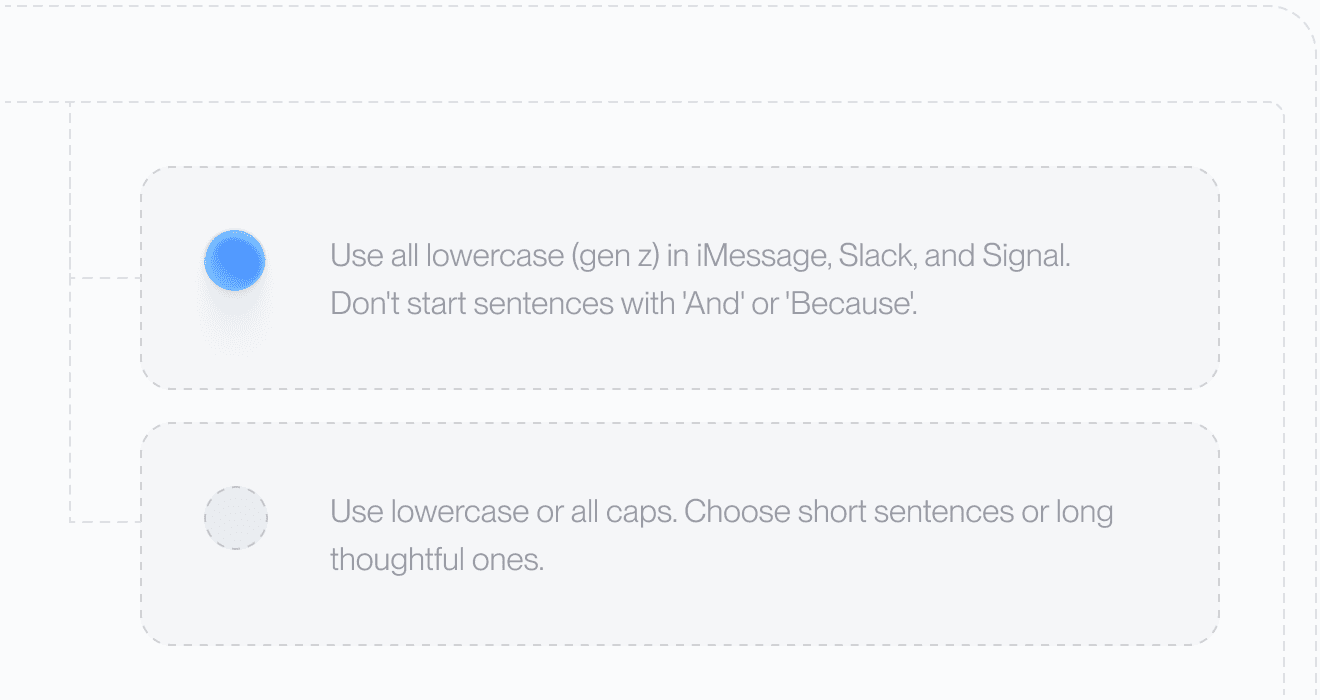
Wavenote’s rewriting is closer to this than it looks: you write the instruction yourself and can route a different one per app. The difference is that Aqua applies its styles inside the same cloud round trip, and Wavenote only rewrites when you have paid for rewriting and turned it on.
Pricing in 2026
Aqua publishes 5 tiers. Starter is free and gives you “1,000 free words” with the Aqua engine plus those 5 dictionary values. Pro is $8 a month. Max is $24 a month and adds a real-time mode and spoken commands such as “send it”. Team is $12 per user per month. Enterprise is custom.
The free tier is a sample rather than a plan. Those 1,000 words are roughly 4 minutes of talking, so you will decide about Pro on your first afternoon.
Wavenote is $4.90 once for unlimited dictation and unlimited file transcription with SRT, VTT and Markdown export, and none of it expires. AI rewriting is the one subscription, at $4.90 a month or $49 a year, covering every device you own. The full list is on the pricing page.
What Aqua Voice does better than Wavenote
Technical vocabulary. Avalon is built for it and Wavenote’s model is not. If your day is spent dictating identifiers, drug names or case citations, this is the whole comparison.
It runs where Wavenote does not. Mac, Windows and iPhone under one account, and the Mac download page offers an Intel build. Wavenote is Apple Silicon only and will stay that way, so a 2019 MacBook Pro rules it out entirely.
More languages. 49 against 22.
It keeps your transcripts. Aqua has a history view, so you can go back to something you dictated last Tuesday. Wavenote keeps nothing of a dictation once the text is inserted, which is a deliberate choice and still a missing feature if you wanted the record.
A team tier exists. $12 per user per month, with an enterprise option above it. Wavenote has no team plan, no admin console and nothing to hand an IT department.
Where Wavenote differs
| Aqua Voice | Wavenote | |
|---|---|---|
| Where recognition runs | Aqua’s servers | Your Mac |
| Works with no network | No | Yes |
| Platforms | Mac, Windows, iPhone | Apple Silicon Macs only |
| Intel Macs | Yes | No |
| Languages | 49 | 22 |
| Model tuned for technical terms | Yes, Avalon | No |
| Custom vocabulary | Yes, 5 free, 800 on Pro | Yes |
| Transcript history | Yes | No, nothing is kept |
| Cost to dictate | Free for 1,000 words, then $8 a month | $4.90 once, unlimited |
| File transcription with subtitles | Not listed | Included, SRT and VTT |
| Account required | Yes | No |
The one that decides it for most people is the first row. Aqua’s Privacy Mode says “nothing is stored on our servers at all”, which is a promise about retention. Wavenote makes no network call when you dictate, which is a different claim and is checked in CI rather than written in a policy. If your employer’s rule is that recordings may not leave the machine, retention promises do not help you.
Everything else follows from that. No account, no sign-in, no sync, nothing to delete later. The app bundle is 10.9 MB with nothing in the Dock, though the speech model is a separate download of about 480 MB.
For the rows laid out against each other, including the ones Aqua wins, see Wavenote and Aqua Voice compared.
Who should use Aqua Voice
- You dictate code, medical or legal vocabulary all day
- You work across Mac, Windows and iPhone
- You are on an Intel Mac
- You want your transcripts kept and searchable
- You need a language outside Wavenote’s 22
- You want a team plan with per-seat billing
Who should use Wavenote instead
- Your audio is not allowed to leave your machine
- You want dictation to be $4.90 once rather than $8 a month
- You dictate on a plane, a train or a bad hotel connection
- You transcribe audio files and want SRT and VTT without paying
- You would rather not create an account to type
FAQ
Is Aqua Voice free?
There is a free Starter tier of 1,000 words with 5 custom dictionary entries. After that, Pro is $8 a month, Max is $24, Team is $12 per user, and Enterprise is quoted.
Does Aqua Voice work offline?
No. Avalon runs on Aqua’s servers, so dictation needs a connection. Its Privacy Mode governs what happens to the audio after it arrives, not whether it is sent.
Is Aqua Voice accurate for technical terms?
That is the case it is built for. Aqua claims “97.3% accuracy on AISpeak” and sells a custom dictionary of up to 800 entries on Pro. We have run no independent test, and neither should you trust one from a competitor.
What is a good on-device alternative to Aqua Voice on a Mac?
Wavenote, if you are on Apple Silicon: dictation and file transcription are unlimited, nothing is uploaded, and no account is required. You give up Windows, iPhone, Intel Macs, most of the language coverage and the technical model to get it.