MacWhisper vs superwhisper, and where Wavenote fits
These 2 get named in the same breath and they were built for different halves of the same job. MacWhisper starts from a recording you already have. superwhisper starts from a key you hold while talking. Both now do the other thing, and both are weaker at it than at the one they were built for.
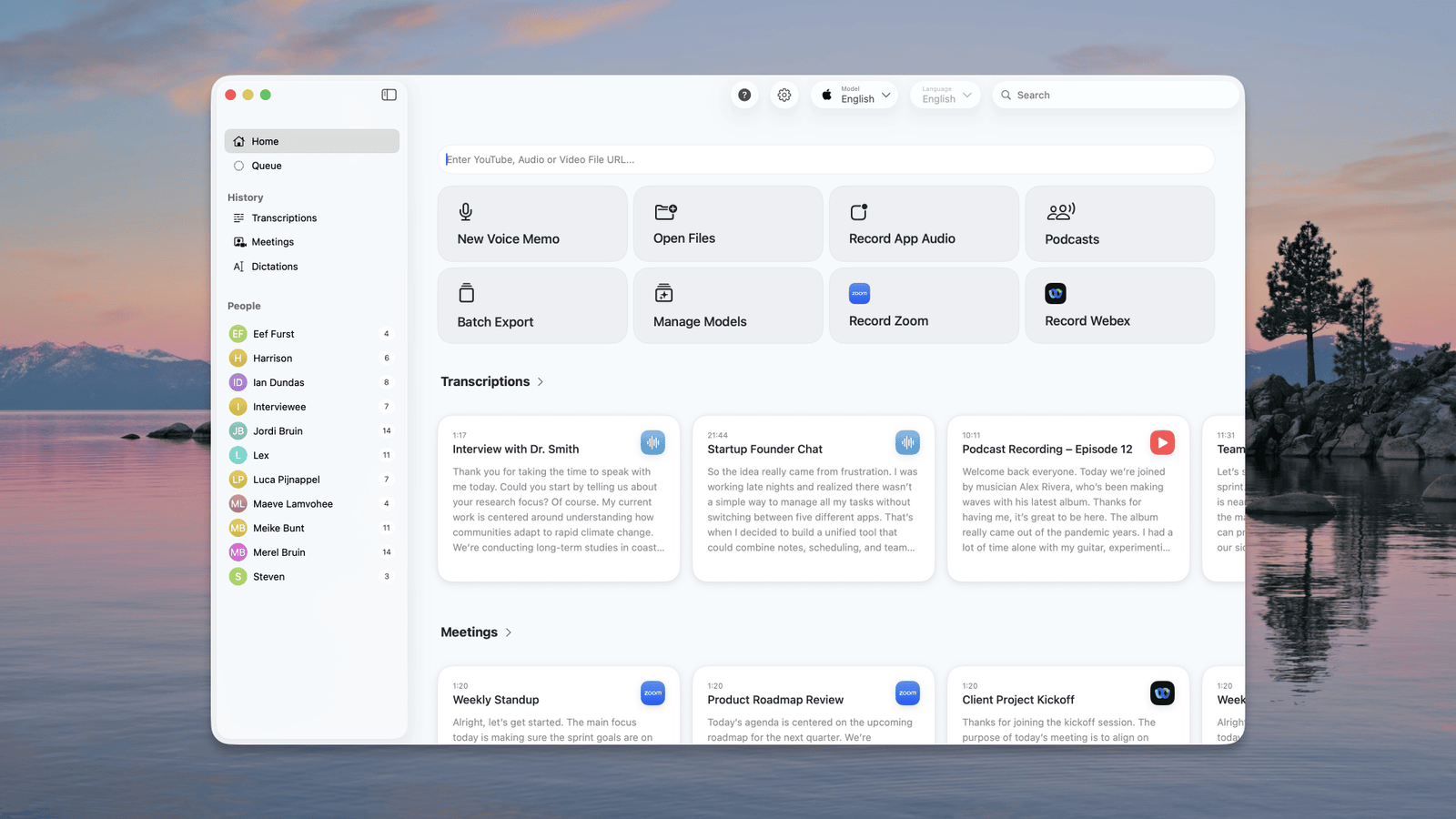
The honest read on MacWhisper
MacWhisper is the better tool for recordings, and the gap is not small. Speaker diarization, batch queues, a transcript editor with playback sync, subtitle timings you can drag by hand, and meeting capture from system audio with no bot in the call. It runs Whisper or Parakeet as you prefer, and its free tier already covers file transcription and system-wide dictation. For an interview, a lecture or a set of subtitles, this is the answer and the €64 Pro licence is the cheapest part of the job.
The honest read on superwhisper
superwhisper is the better tool for live dictation. The whole app is built around the hold-to-talk gesture, it swaps configuration per app, and it will fall back to a cloud model on your own API key when the local one is not accurate enough. It runs on Windows and iOS too, and there is a lifetime licence. Its file handling exists and is fine. It has nothing resembling MacWhisper's editor.
What actually decides it
Count how much of your week is audio somebody else recorded. If most of it is, you want the editor and the speaker labels, and no dictation app will substitute for them. If most of it is you talking into a text field, an editor is a window you will open twice and then forget.
Side by side
| MacWhisper | superwhisper | Wavenote | |
|---|---|---|---|
| Transcript editor | Yes, with playback sync | No | No |
| Speaker labels | Yes | No | No |
| Subtitle timing by hand | Yes | No | No |
| Push-to-talk dictation | Yes | Yes, the whole app | Yes, the whole app |
| Runs on | Mac | Mac, Windows, iOS | Apple Silicon Mac |
| Pay once | €64 for Pro | $249.99 lifetime | $4.90 |
Where Wavenote fits
Wavenote sits on superwhisper's side of this and keeps going in the same direction. Dictation has no window at all: one key, held, and the words land where you were already typing. Files go in and plain text, SRT, VTT or Markdown comes out, with no length limit, which is the export half of what MacWhisper does and none of the editing half. It records a meeting too, and asks for System Audio Recording Only rather than for permission to record your screen, which is what MacWhisper's documentation says its own recorder needs. If you need to correct a speaker label or nudge a subtitle by 200 ms, MacWhisper can and Wavenote cannot.
Which one to pick
- MacWhisper
- Your work is recordings: interviews, lectures, subtitles, anything that needs correcting after the model has had its turn.
- superwhisper
- Your work is live dictation and you want per-app setups, a model you can choose, and Windows or iOS covered by the same licence.
- Wavenote
- Your work is live dictation, you are on Apple Silicon, and you want the app to stay out of sight. File export is included; file editing is not.
MacWhisper pricing: Free tier, then €64 once for Pro, with lifetime updates. Checked against macwhisper.com on 7 August 2026.
superwhisper pricing: Free tier, $8.49 a month, $84.99 a year, or $249.99 once. Checked against superwhisper.com on 7 August 2026.