Voicy Review 2026: Pricing, Platforms, and Verdict
Voicy is a dictation app that runs almost everywhere: Mac, Windows, Linux, iPhone, Android and a Chrome extension, on one account. It is at usevoicy.com, which is worth pinning down before you go looking for it.
We build Wavenote, a Mac-only competitor. The parts below about Voicy come from its own site and pricing page.
Short answer: Voicy is the right pick if your typing is spread across more than one operating system, or if you want one dictation account that follows you onto a phone and into a browser. It costs $8.49 a month on annual billing, which is the price of that reach.
First, the name
There are 2 things called Voicy and they are unrelated. voicy.network is a soundboard and sound effects site. usevoicy.com is the dictation app this review is about. Search results mix them constantly, and the reviews you find for one do not apply to the other.
What Voicy is
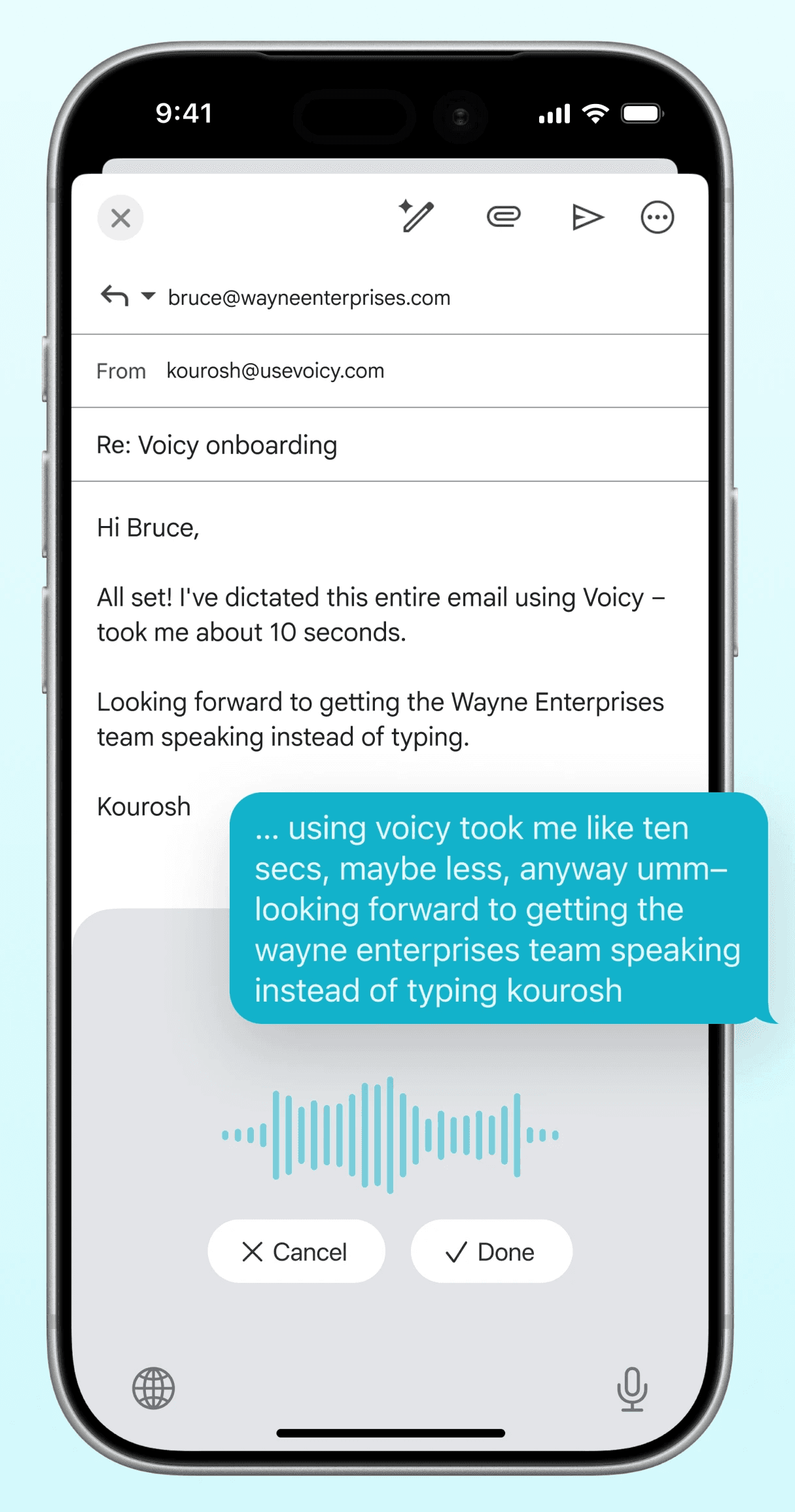
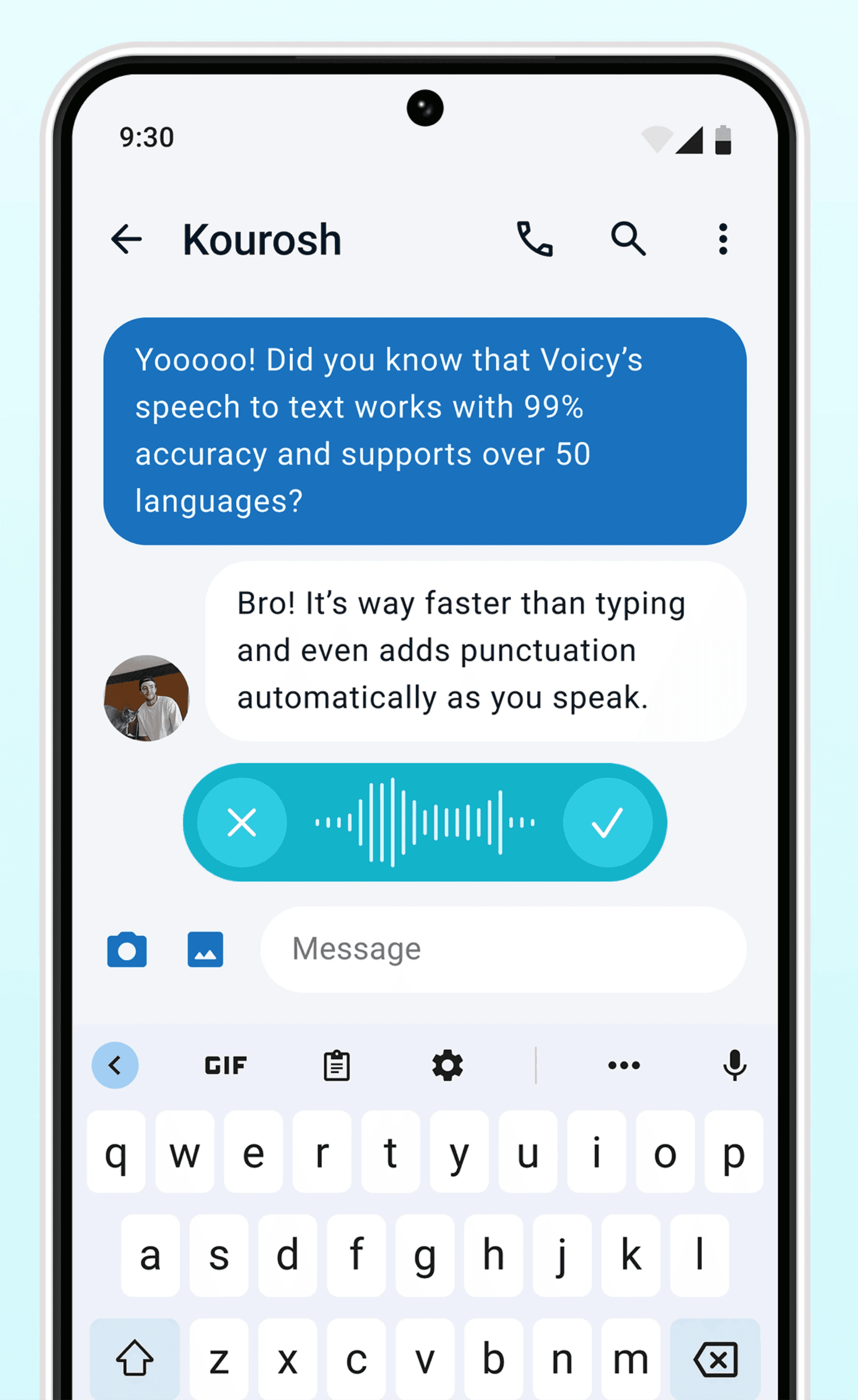
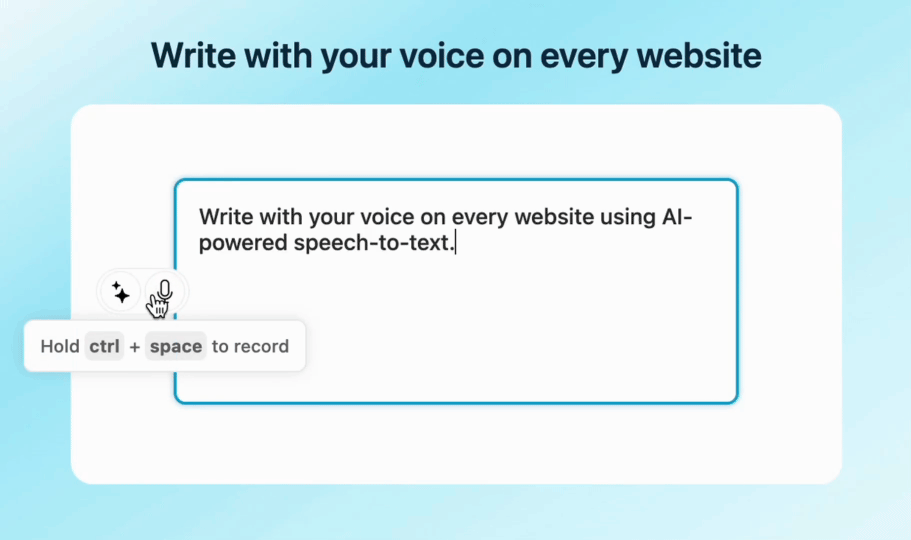
Speech to text at the system level. You start a recording, speak, confirm, and the text goes into the field you were in. The marketing screenshots show it inside Gmail on iPhone and inside a messaging thread on Android, which is a fair picture of the intended use.
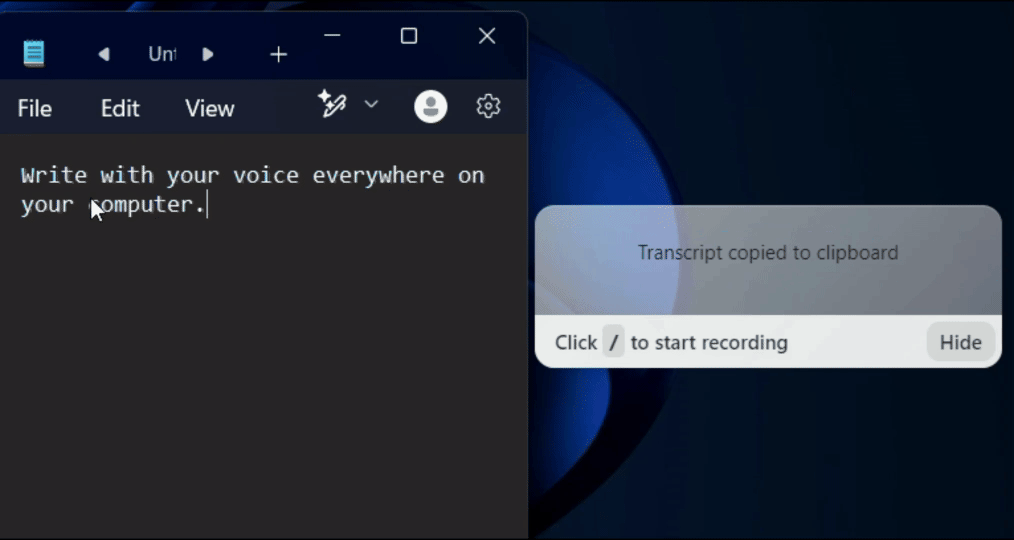
The platform list is the longest in this category. Desktop covers Windows, Mac and Linux, with Ubuntu and Debian packages, a Fedora build and an AppImage. Mobile covers iOS and Android. There is also a Chrome extension. One subscription covers unlimited personal devices.
Voicy claims over 50 languages and over 99% accuracy. Those are its figures. It also claims dictation is 3x faster than typing and that you can write emails up to 4x faster, again its own numbers rather than anything measured here.
Punctuation you do not have to say
One feature Voicy puts real weight on is automatic punctuation. You speak normally and it decides where the commas, full stops and question marks go, instead of you saying the word period out loud like it is 2004.
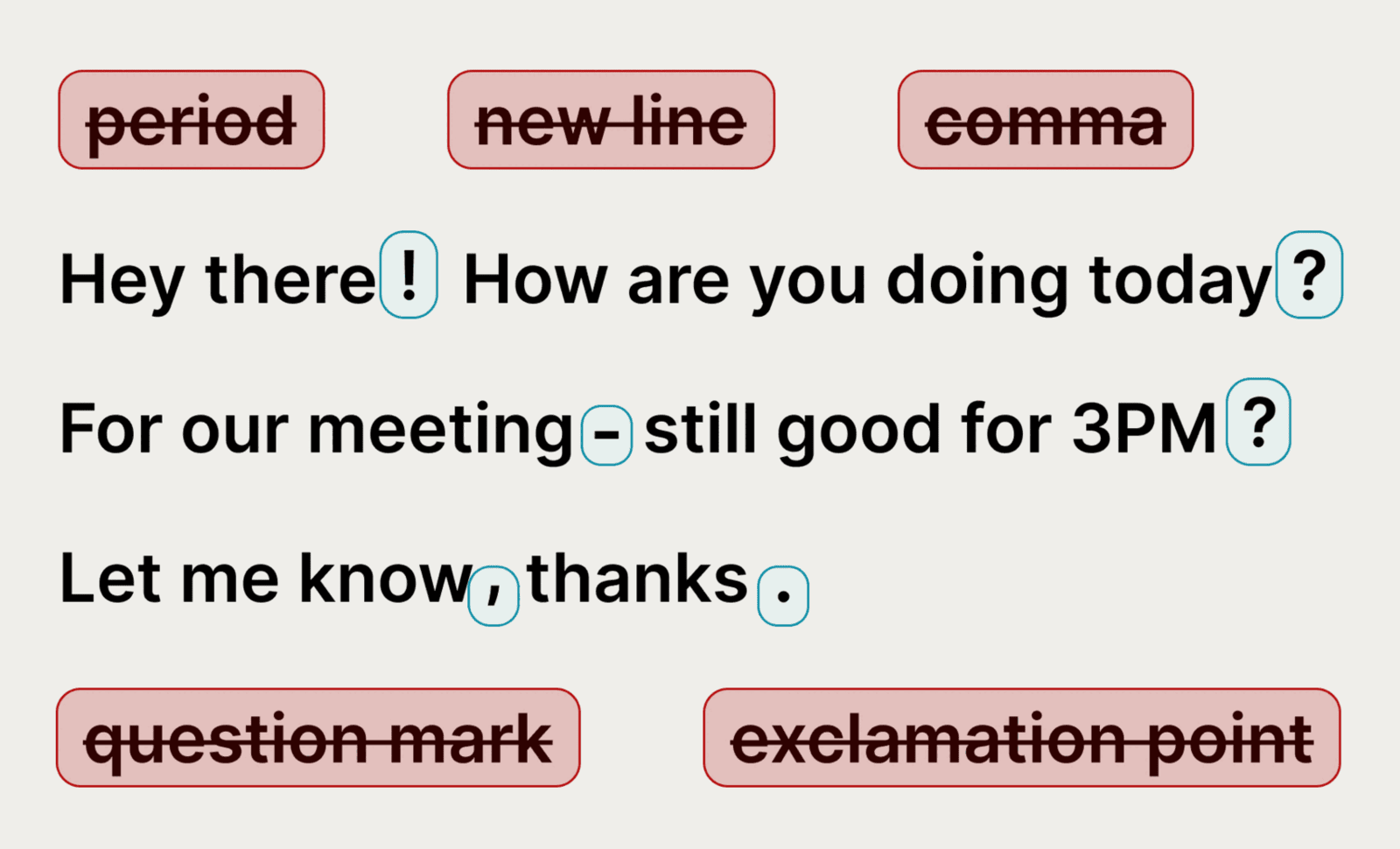
Wavenote does the same thing, so this is not a differentiator between the 2 products. It is worth flagging because a lot of older dictation software still expects spoken punctuation, and anyone coming from that will notice the difference immediately.
Pricing in 2026
| Plan | Price |
|---|---|
| Free trial | 30 minutes of recording, no credit card |
| Pro, billed annually | $8.49 a month, listed as 20% off |
| Lifetime | $260 once |
| Teams | $6.79 per user a month, minimum 3 users |
Pro and Lifetime both include unlimited recording time and unlimited personal devices, desktop and mobile.
Voicy earns credit on 2 points of its pricing. It offers 20% off for disability with no questions asked, and 20% off for students. And it publishes a pricing guarantee: its price will never be more than 20% above its total costs. Neither is common in this category, and the disability discount without a proof requirement is a better answer on access than Wavenote currently has.
The free tier is 30 minutes of recording, which is a trial rather than a tier. After that, dictation costs money.
Voicy in Japan
Voicy is the only product page ranking in the Japanese top 7 for mac 音声入力, the main Japanese search term for Mac dictation. It localised early enough to own that slot, and Wavenote does not have it.
That matters more than a ranking, because it means Japanese users looking for a Mac dictation app find Voicy first. Wavenote’s Japanese support is built differently: rather than one multilingual model covering 50 languages, Japanese runs on a Parakeet model trained for it alone, because the European Parakeet model behind the other 18 languages does not speak Japanese at all. Which approach produces better Japanese is not something we have tested against Voicy, so no claim is being made here.
Voicy and Wavenote side by side
| Voicy | Wavenote | |
|---|---|---|
| macOS | Yes | Yes, Apple Silicon only |
| Windows, Linux, iOS, Android | Yes | No |
| Browser extension | Yes, Chrome | No |
| Devices per account | Unlimited personal devices | Every device, on a rewriting licence |
| Languages | 50+ by its own count | 22 |
| Recognition runs on your device | Not claimed | Yes |
| Transcripts stored on their servers | No, per its privacy copy | No servers involved |
| Automatic punctuation | Yes | Yes |
| Custom vocabulary | Not listed | Yes |
| Disability and student discounts | 20% each | None |
| Cost to dictate | From $8.49 a month, or $260 once | $4.90 once, unlimited |
| Cost to transcribe a file | Counts against recording time | Included, SRT, VTT and Markdown |
On the privacy row, be precise about what Voicy says. Its site says transcripts are stored only on your device and that it does not keep transcripts or recordings in its database. It does not claim that recognition itself happens on your machine, and a product spanning 6 platforms and a browser extension is doing that work somewhere central.
Wavenote’s claim is a different kind. Dictation makes zero network calls, and that is checked in CI rather than stated in copy. There is no account, so there is nothing to store.
What Voicy does better than Wavenote
It goes everywhere Wavenote does not. Windows, Linux, iOS, Android and Chrome, on one account, with unlimited personal devices. Wavenote is Apple Silicon macOS and will stay that way, with no Intel build and no phone app ever. If your day crosses 2 operating systems, nothing else here matters.
Twice the languages. 50+ against Wavenote’s 22. Wavenote’s 22 are 18 European languages plus Japanese, Chinese and Korean, so anything outside that set is a gap Voicy fills and Wavenote does not.
Its access pricing is better. 20% off for disability with no proof asked for, plus a student discount and a published pricing guarantee. Wavenote has none of these, and dictation software is a category where a disability discount is more than a marketing gesture.
It won Japanese search and Wavenote has not. Being the one product page in the Japanese top 7 for mac 音声入力 is the result of localising properly and early. Wavenote’s Japanese engine may be a deliberate piece of engineering, but it is not helping anyone who cannot find the app.
Teams pricing exists. $6.79 per user a month from 3 users. Wavenote has no team tier, no enterprise plan and no SSO.
Where a one-time-purchase Mac app wins
Wavenote’s argument is narrow. Dictation is $4.90 once rather than $8.49 every month, it does not expire, and there is no recording-time meter to watch. File transcription is included too, with SRT, VTT and Markdown export. Dictation makes no network call, so it works with the wifi off.
The app bundle is 10.9 MB, one executable with no login item you did not ask for, no helper process, no account and nothing in the Dock, although the speech model downloads separately at about 480 MB.
Voicy does not list 2 things Wavenote has: a custom vocabulary for names the model keeps getting wrong, and per-app routing so a Slack message and an email do not come out sounding the same.
No accuracy comparison appears here, because we have not run one. Voicy’s 99% figure is Voicy’s, and we have published no number to set against it. The Wavenote and Voicy comparison follows the same rule.
Who should use Voicy
- You dictate on more than one operating system
- You want the same account on a laptop, a phone and in Chrome
- You dictate in a language outside the 18 European languages, Japanese, Chinese and Korean that Wavenote covers
- You qualify for the disability or student discount
- You need dictation for a team of 3 or more
- You are on Linux, where almost nothing else in this category runs
Who should use Wavenote instead
- You are on Apple Silicon and only on Apple Silicon
- You want dictation to be $4.90 once rather than $8.49 a month
- You want recognition to happen on your machine with no network call
- You transcribe audio and video files often and do not want a recording-time meter
- You need custom vocabulary or different rewriting per app
FAQ
How much does Voicy cost?
$8.49 a month billed annually, $260 once for a lifetime licence, or $6.79 per user a month for teams of 3 or more. There is a free trial of 30 minutes of recording with no credit card.
Is Voicy free?
Only for the first 30 minutes of recording. After that it is a paid product, with 20% discounts available for disability and for students.
Does Voicy work offline?
Its site does not claim on-device recognition. It says transcripts are stored only on your device and are not kept in its database, which is a storage promise rather than an offline one. Assume a connection is needed.
Is Voicy the same as voicy.network?
No. voicy.network is a soundboard and sound effects site with no connection to this product. The dictation app is at usevoicy.com.