Wavenote as an Otter.ai alternative
A meeting transcription service. A bot joins your call, or its desktop app records without one, and you get a searchable transcript with speaker labels and summaries.
What Otter.ai does better
Otter does the meeting job for a team, and that is the half Wavenote has no answer for. It joins calendar invites whether or not you are at your desk, names each speaker, and leaves a shared archive everyone on the call can search afterwards. It runs on Windows, iPhone, Android and the web. If several people need the same record of the same call, Otter is the answer and one Mac is not.
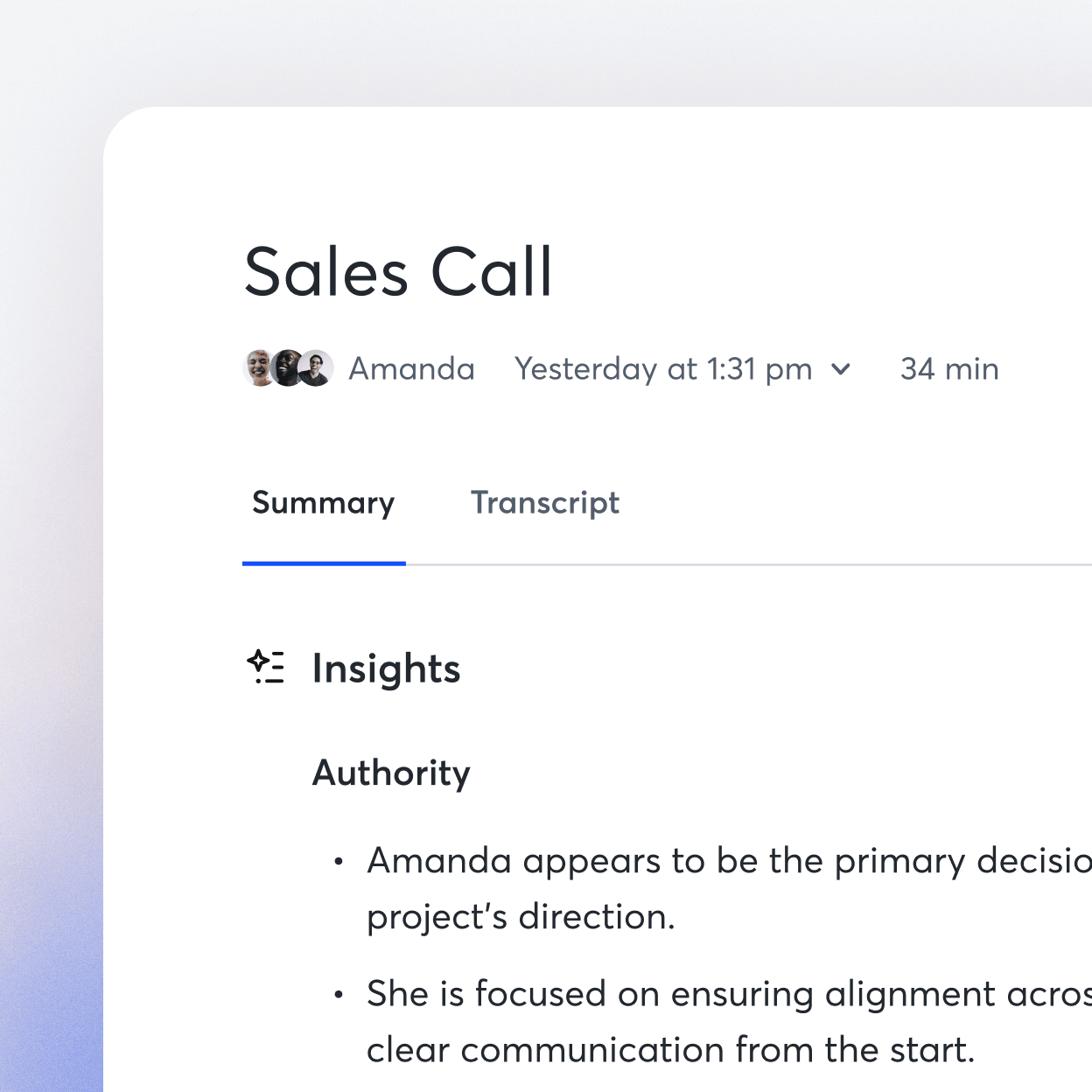
Where Wavenote is different
- Wavenote records the meeting on your Mac: your microphone and what your Mac is playing, with no bot in the call and nothing uploaded.
- The notes are files in a folder you picked, on the Mac or in iCloud Drive, so you can open them in Finder and take them anywhere.
- No account and no bot. Wavenote can read today's meetings if you switch that on, and it never joins one.
- Recording, transcription, search, tags and Markdown export are the $4.90 app. The summary and the questions you ask a note are the subscription.
Side by side
| Wavenote | Otter.ai | |
|---|---|---|
| Recording leaves your Mac | Never | Always |
| Records meetings | Yes, on your Mac | Yes, with or without a bot |
| Speaker labels | You and everyone else | Yes, by name |
| Shared with a team | No | Yes |
| Account required | No | Yes |
Otter.ai pricing: Free for 300 minutes a month, Pro $8.33 to $16.99, Business $19.99 to $30. Checked against otter.ai on 7 August 2026.
Want more detail? The full Otter.ai review works through it feature by feature.